Sounding Off: The Best Way to Handle UI SFX in Unity

When building a any game, manually adding an AudioSource to every button for UI SFX is a maintenance nightmare. I explored several ways to automate this, from "quick and dirty" to "architecturally elite." Here is how they stack up.
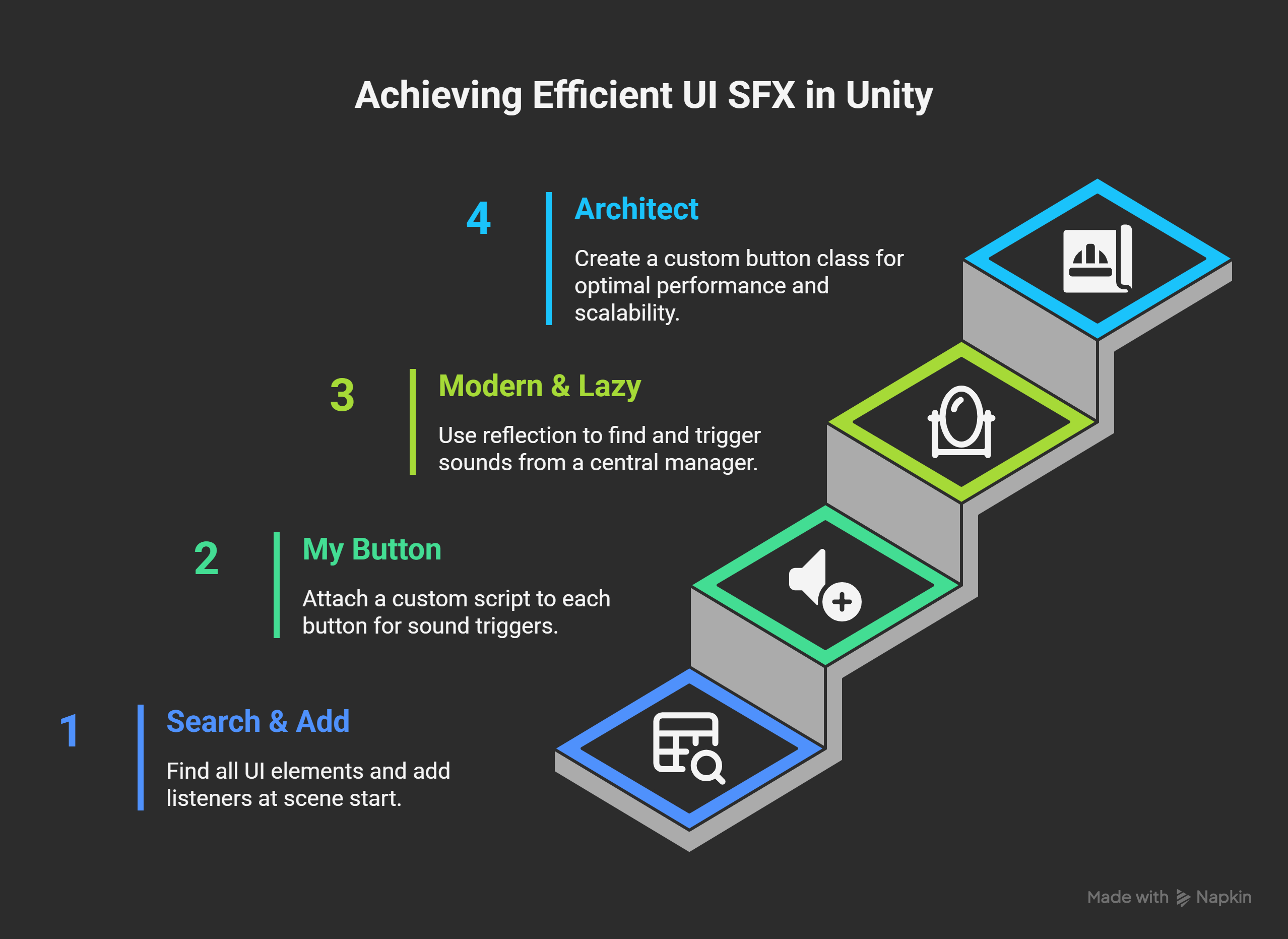
1. The "Search & Add" (Find All)
This method uses Resources.FindObjectsOfTypeAll at the start of a scene to find every Button/Toggle and add a listener.
Pros: Zero manual setup.
Cons: High startup cost; crawling the entire hierarchy is inefficient for large scenes.
2. The "My Button" (Custom Component)
A small UISoundTrigger script is attached to buttons. Can use an Editor Script to auto-attach this whenever a new Button is created.
Pros: Zero runtime search cost. Works automatically in the Editor.
Cons: Adds an additional component to every Button.
3. The "Modern & Lazy" (Reflection)
Using C# Reflection, a SoundManager iterates through the public fields of a UI Reference singleton that stores reference all the buttons in the scene.
Pros: Only loops through your specific variables (very fast). Completely decoupled; your UI script doesn't need "sound code."
Cons: Minor O(n) cost at startup. Requires variables to stay public.
4. The "Architect" (Inheritance Base Class)
You create a SoundButton class that inherits from Unity’s Button and overrides the OnPointerClick method to play a sound. Replace the Unity button component with this or create an editor context menu for creating your custom buttons in the UI.
Pros: The most "pro" way. Absolute O(1) performance. Max scalability to extend any other custom functionality.
Cons: Introduces a new editor flow to create buttons when doing everything else with the default UI context menu.
Comparison Tables
For Humans
Method | Setup Effort | Performance | Scalability |
Find All | Very Low | Low | Poor |
Reflection | Low | High | Great |
Component | Medium | High | Good |
Inheritance | Medium | Best | Excellent |
For Geeks
Rank | Method | Complexity | Runtime Overhead |
|---|---|---|---|
4th | Find All | O(N_{hierarchy}) | High (Initial Load) |
3rd | Reflection | O(N_{variables}) | Very Low |
2nd | Component | O(1) | Minimal |
1st | Inheritance | O(1) | None |
The Verdict
For most projects, Reflection on a UI Singleton is the "sweet spot." It keeps your code clean, runs instantly, and requires zero manual work once the initial loop is written. If you're building a massive AAA-scale UI, go with Inheritance for maximum performance and scalability.


